

In today’s digital world, images carry a lot of information. From scanned documents to photos of handwritten notes, important data is often saved in picture format. This is where JPG to Text technology becomes useful. A JPG to Text high accuracy tool is a software solution that extracts written content from JPG image files and converts it into editable and searchable text.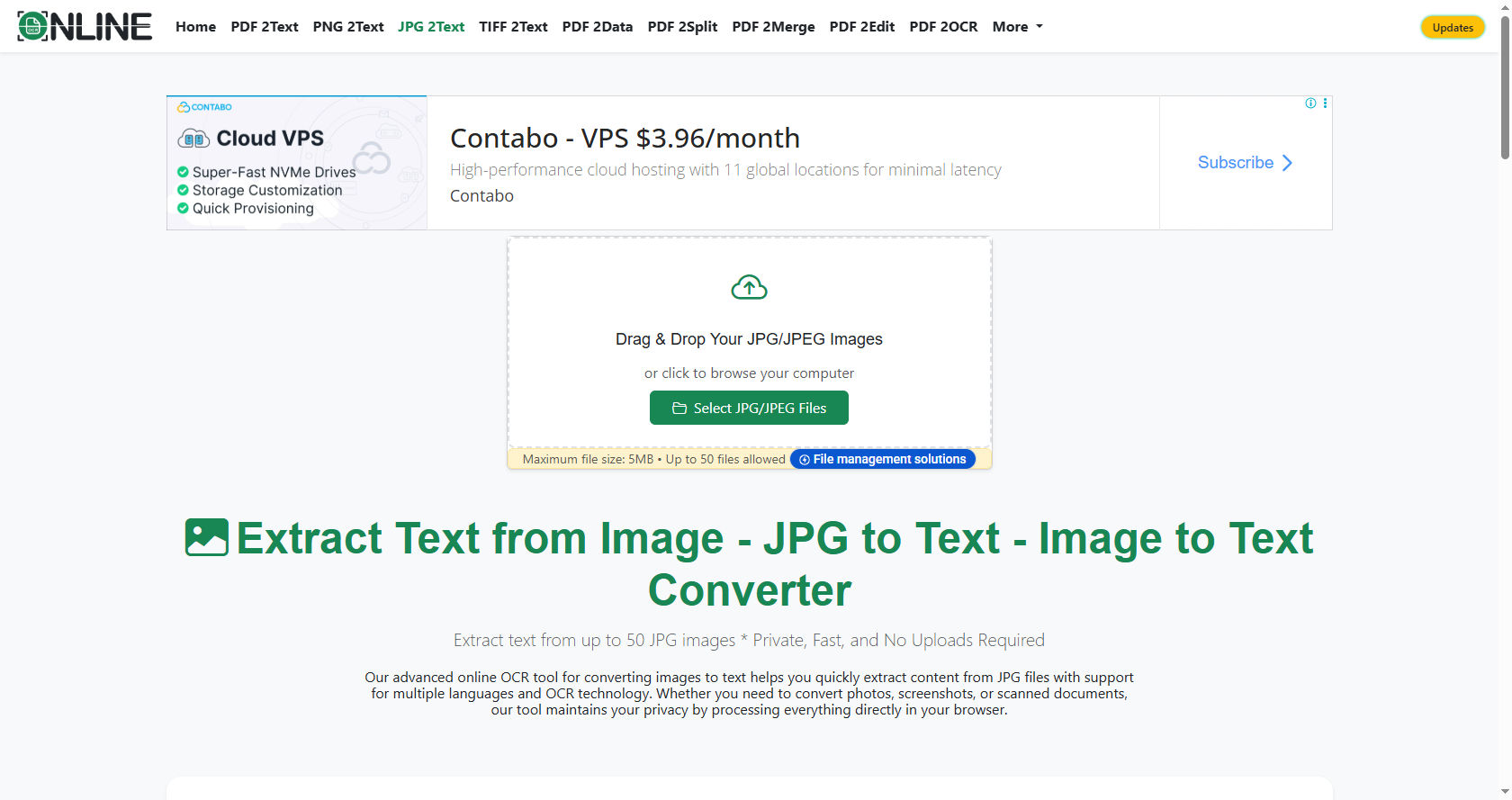
The term JPG to Text refers to the process of transforming text embedded in an image into digital characters that can be copied, edited, and stored. Instead of retyping everything manually, users can rely on a JPG to Text converter to do the job quickly and accurately.
A high accuracy JPG to Text tool uses advanced optical character recognition (OCR) technology. OCR identifies letters, numbers, and symbols in an image and converts them into machine-readable text. This process saves time, reduces errors, and increases productivity for students, professionals, and businesses.
In this comprehensive guide, we will explore how JPG to Text tools work, their benefits, features, applications, and how to choose the right one. By the end, you will fully understand why JPG to Text technology is becoming essential in education, business, and daily life.
Understanding the Basics of JPG to Text
What Is a JPG File?
A JPG file is a commonly used image format. It is widely used for digital photos, scanned documents, and online graphics. While JPG files are great for storing visual information, they are not editable as text documents.
If you receive a scanned page in JPG format, you cannot directly copy the words from it. This is where JPG to Text tools come into play.
What Does JPG to Text Mean?
JPG to Text is the process of extracting text from a JPG image file and converting it into an editable format like TXT, DOC, or PDF. Instead of manually typing the content from the image, a JPG to Text converter automatically detects and digitizes the text.
High accuracy in JPG to Text means the tool can correctly recognize characters even if the image quality is not perfect. It minimizes spelling mistakes and formatting errors during conversion.
What Is a High Accuracy Tool?
A high accuracy JPG to Text tool uses advanced OCR algorithms powered by artificial intelligence. These tools can detect different fonts, handwriting styles, and multiple languages.
The goal of a high accuracy JPG to Text solution is to ensure that the converted text closely matches the original image content.
How JPG to Text Technology Works
Optical Character Recognition (OCR)
The core technology behind JPG to Text is Optical Character Recognition. OCR scans the image and identifies shapes that represent letters and numbers.
The process usually includes:
-
Image preprocessing
-
Character recognition
-
Text reconstruction
-
Output formatting
When you upload an image into a JPG to Text tool, the software first improves the image quality. It adjusts brightness, contrast, and removes noise.
Then, the OCR engine analyzes the shapes in the image. It compares them to known character patterns. After recognition, the system arranges the characters into readable sentences and paragraphs.
Artificial Intelligence and Machine Learning
Modern JPG to Text tools use artificial intelligence to improve recognition accuracy. Machine learning allows the software to learn from previous conversions.
For example, if a JPG to Text tool processes thousands of documents, it becomes better at recognizing similar fonts and handwriting styles over time.
This makes high accuracy JPG to Text solutions more reliable than older OCR systems.
Key Features of a High Accuracy JPG to Text Tool
Fast Processing Speed
One of the main advantages of a JPG to Text tool is speed. It can convert long documents within seconds.
Students scanning notes and businesses digitizing records benefit from the quick performance of JPG to Text software.
Multi-Language Support
Advanced JPG to Text tools can recognize multiple languages. This is important for global users who work with international documents.
High accuracy ensures correct recognition even in complex languages.
Handwriting Recognition
Some modern JPG to Text converters can recognize handwritten text. This feature is especially useful for students and teachers.
Although handwriting recognition is more challenging, high accuracy tools handle it efficiently.
Batch Conversion
Batch conversion allows users to upload multiple images at once. A JPG to Text tool processes all files together, saving time.
This feature is ideal for offices digitizing large archives.
Editable Output Formats
A reliable JPG to Text tool offers multiple output formats such as TXT, DOCX, and searchable PDF.
Users can edit, share, or store the converted content easily.
Benefits of Using JPG to Text Tools
Saves Time
Manually typing content from images is time-consuming. A JPG to Text converter completes the task in seconds.
This improves productivity in schools, offices, and research institutions.
Reduces Human Error
When people manually type text from images, they often make mistakes. A high accuracy JPG to Text tool reduces such errors.
Accurate recognition ensures the final document closely matches the original.
Improves Accessibility
Digitized text can be read by screen readers. JPG to Text helps visually impaired users access information more easily.
It also allows users to search within documents.
Enhances Organization
With JPG to Text, printed documents can be stored digitally. This reduces physical storage needs.
Searchable text makes document management simple.
Cost-Effective Solution
Using a JPG to Text tool reduces the need for manual data entry services.
Organizations save money while improving efficiency.
Common Applications of JPG to Text
Education
Students often take photos of classroom notes. A JPG to Text tool converts those notes into editable text.
Teachers can scan printed materials and convert them into digital documents.
Business and Office Use
Companies use JPG to Text technology to digitize contracts, invoices, and reports.
This makes it easier to store and retrieve information.
Legal and Government Sectors
Legal firms use JPG to Text tools to convert scanned legal documents into editable text.
Government agencies digitize records for better storage and retrieval.
Healthcare
Hospitals scan medical records and prescriptions. A high accuracy JPG to Text tool converts them into digital text for electronic systems.
Personal Use
Individuals use JPG to Text to convert recipes, letters, and old documents into digital format.
It simplifies record keeping at home.
How to Choose the Right JPG to Text Tool
Accuracy Level
The most important factor is accuracy. A good JPG to Text tool should produce minimal errors.
Look for tools that use advanced OCR and AI technology.
User-Friendly Interface
A simple interface makes JPG to Text conversion easier for beginners.
Users should be able to upload files and download results without confusion.
Security and Privacy
Documents may contain sensitive information. Choose a JPG to Text tool that ensures data protection.
Secure servers and file deletion policies are important features.
Language Support
If you work with different languages, select a JPG to Text tool that supports multilingual recognition.
Pricing
Some JPG to Text tools are free, while others require payment.
Consider your needs and budget before selecting a tool.
Online vs Offline JPG to Text Tools
Online Tools
Online JPG to Text converters work through web browsers. They do not require installation.
They are convenient and accessible from any device.
Offline Software
Offline JPG to Text software is installed on your computer.
It offers better security and often supports large file sizes.
Choosing between online and offline JPG to Text solutions depends on your requirements.
Challenges in JPG to Text Conversion
Poor Image Quality
Blurry or low-resolution images reduce JPG to Text accuracy.
High accuracy tools try to improve image clarity before recognition.
Complex Layouts
Documents with tables, columns, and graphics can be difficult for JPG to Text systems.
Advanced tools handle formatting better.
Handwriting Variations
Different handwriting styles may cause recognition errors.
Modern JPG to Text tools are improving in this area.
Tips for Improving JPG to Text Accuracy
-
Use high-resolution images.
-
Ensure proper lighting when taking photos.
-
Keep the document flat and straight.
-
Avoid shadows on the text.
-
Use a reliable JPG to Text tool with AI support.
Following these tips improves the results of JPG to Text conversion.
The Future of JPG to Text Technology
The future of JPG to Text technology looks promising. With advances in artificial intelligence, recognition accuracy continues to improve.
Cloud computing allows faster JPG to Text processing.
Integration with mobile apps makes it easier to convert images instantly.
In the future, JPG to Text tools may achieve near-perfect accuracy, even with complex layouts and handwriting.
Why High Accuracy Matters
High accuracy in JPG to Text conversion ensures:
-
Reliable digital records
-
Professional document formatting
-
Reduced editing time
-
Better data integrity
For businesses and students, accurate JPG to Text conversion is essential.
Errors in digitized documents can cause misunderstandings and delays.
That is why choosing a high accuracy JPG to Text tool is important.
Comprehensive Overview of JPG to Text Advantages
To summarize the strengths of JPG to Text tools:
-
Quick text extraction
-
Easy document editing
-
Searchable digital files
-
Reduced paperwork
-
Improved accessibility
-
Secure document storage
Each benefit shows how JPG to Text technology improves efficiency in modern life.
Practical Example of JPG to Text in Action
Imagine a student taking a photo of lecture notes. Instead of retyping everything, the student uploads the image to a JPG to Text tool.
Within seconds, the tool generates editable text. The student can organize, highlight, and revise the content easily.
Similarly, a company scanning hundreds of invoices can rely on JPG to Text technology to automate data entry.
These real-world examples show the value of JPG to Text solutions.
Conclusion
A JPG to Text high accuracy tool is a powerful digital solution that converts image-based text into editable format using OCR and artificial intelligence. It saves time, reduces errors, and improves productivity.
From education to healthcare, businesses to personal use, JPG to Text technology plays a vital role in digitizing information.
High accuracy ensures reliable results even when images are not perfect. With continuous advancements in AI and machine learning, JPG to Text tools are becoming smarter and more efficient.
Choosing the right JPG to Text converter depends on accuracy, security, language support, and ease of use. Whether online or offline, these tools help transform static images into dynamic, editable content.
As the world continues to move toward digital transformation, JPG to Text solutions will remain essential for managing and preserving information efficiently.

Leave a Reply