

Creating the perfect invitation card is more than just picking a beautiful design or elegant font. One of the most overlooked elements is spacing. Proper spacing ensures that your message is clear, readable, and visually appealing. Without it, even the most beautifully worded invitation can feel cluttered and confusing.
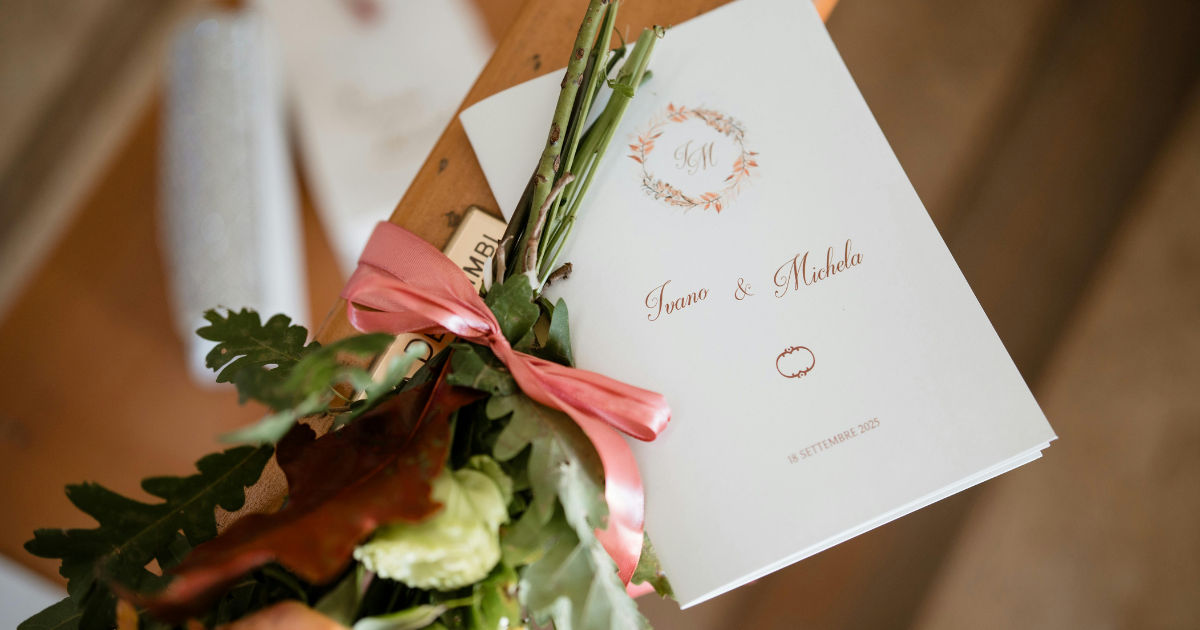
Whether it’s a wedding, birthday, corporate event, or casual party, the format of an invitation card can significantly impact how guests perceive your event.
This guide will explore in detail how to structure your invitation card, focusing on spacing, alignment, and readability to ensure it leaves a lasting impression.
Why Spacing Matters on an Invitation Card
Spacing on an invitation card is critical for several reasons:
-
Readability – Too little spacing makes it difficult for guests to read the details.
-
Aesthetic Appeal – Balanced spacing makes the card visually pleasing.
-
Highlighting Important Details – Proper spacing draws attention to essential information such as date, venue, and RSVP.
-
Professional Impression – Well-structured spacing reflects your attention to detail and the tone of the event.
In short, spacing is the bridge between design and content. A card may have the most beautiful graphics, but without proper spacing, it loses its effectiveness.
Key Components of an Invitation Card
To format an invitation card that reads cleanly, understanding its core components is essential. Here’s what most invitation cards include:
1. Event Title or Occasion
This is the first thing a guest sees. It should be prominent and clearly state the event type, like “Wedding Celebration” or “Birthday Party.”
-
Use a larger font for the title.
-
Consider adding extra line spacing above and below to make it stand out.
-
Avoid cluttering graphics around the title.
2. Host Names
The names of the people hosting the event or being honored should follow the title. Proper spacing between the title and names ensures clarity.
-
Typically, use a medium font size.
-
Include line spacing of 1.2 to 1.5x the font size for readability.
3. Event Details
This section includes:
-
Date
-
Time
-
Venue
Proper spacing between each detail is critical. For instance, the date should have a little space above and below to separate it from the venue or time.
4. RSVP Information
This is where guests confirm attendance. It’s usually at the bottom of the invitation card.
-
Ensure it’s easy to locate.
-
Add enough spacing above this section so it doesn’t blend with the main event details.
5. Additional Instructions
Optional sections may include dress code, directions, or parking instructions. Keep them concise and separated from other sections using spacing or borders.
Ideal Line Spacing and Margins
The spacing on an invitation card isn’t arbitrary. Here’s a guide to make the text clean and readable:
Line Spacing
-
Single line spacing: For short details like time or date.
-
1.2 to 1.5 line spacing: For names or addresses to improve readability.
-
Double spacing: Use sparingly for separating major sections, such as the title from the main details.
Margins
-
Maintain a margin of at least 0.5 inches (1.27 cm) on all sides.
-
Wider margins create a sense of luxury and clarity.
-
Avoid cramming text to the edges, which makes the invitation card look cluttered.
Paragraph Spacing
-
Use extra spacing between different sections rather than between lines in the same section.
-
Example: Leave 12–18 points of space between the event title and host names, and similar spacing before the RSVP section.
Font Selection for Clarity
Spacing works in tandem with font selection. Even perfect spacing can’t fix hard-to-read fonts. Here’s what works best:
-
Serif Fonts: Elegant and classic; suitable for weddings or formal events.
-
Sans-Serif Fonts: Clean and modern; ideal for casual or corporate events.
-
Script Fonts: Use sparingly for names or titles. Avoid body text in script.
Tip: When using decorative fonts for titles, slightly increase spacing between letters (tracking) to enhance readability.
Alignment Tips
Alignment affects how the eye moves across the invitation card:
Center Alignment
-
Works well for formal events.
-
Ensure each section has consistent spacing above and below.
-
Avoid cramming multiple sections together; each should breathe.
Left Alignment
-
Preferred for corporate events or casual gatherings.
-
Keeps text clean and easy to read.
-
Use consistent indentation if you have sub-details, like address lines.
Mixed Alignment
-
Can be used for creative designs.
-
Keep spacing consistent; misaligned sections with poor spacing reduce readability.
Using White Space Effectively
White space, or negative space, is the blank area around text or images. It’s one of the most important design elements in a clean invitation card:
-
Prevents text from looking cramped.
-
Guides the reader’s eye naturally through sections.
-
Emphasizes important details without bolding or increasing font size.
Tip: Don’t feel the need to fill every inch of the card. Minimalism often enhances elegance and readability.
Practical Invitation Card Layout Example
Here’s a suggested layout with spacing:
Title:
Wedding Celebration
(Font size 24, line spacing 1.5)
Host Names:
Mr. & Mrs. John Smith
(Font size 18, line spacing 1.3)
Event Details:
Date: June 15, 2026
Time: 5:00 PM
Venue: Rosewood Banquet Hall
(Font size 14–16, line spacing 1.2, extra spacing of 12 pts between date, time, and venue)
RSVP:
Please confirm by May 30, 2026
Email: [email protected]
(Extra spacing above RSVP to separate from event details)
Optional Notes:
Black-tie attire requested
Parking available on-site
Spacing between each section ensures clarity and makes the invitation card feel organized.
Common Mistakes in Invitation Card Spacing
-
Overcrowding Text – Packing too much information without spacing makes the card confusing.
-
Ignoring Section Separation – Important details like date and venue blend into each other.
-
Inconsistent Line Spacing – Uneven spacing between lines and sections disrupts readability.
-
Small Margins – Text too close to the edge feels cramped and cheap.
-
Excessive Decoration – Decorative elements that interfere with spacing distract from content.
Avoid these mistakes to create a polished and readable invitation card.
Digital vs. Print Invitation Cards
Spacing considerations differ slightly depending on the medium:
Print Invitation Cards
-
Ensure text isn’t too close to edges; printing margins may cut off letters.
-
Test the spacing by printing a draft; what looks good on screen may not on paper.
Digital Invitation Cards
-
Mobile viewing requires slightly larger spacing.
-
Keep important details at the top; avoid cluttering with long paragraphs.
-
Use scalable fonts and consistent spacing so the card looks clean on all screen sizes.
Tips for Designing Clean Invitation Cards
-
Stick to 2–3 Fonts – Too many fonts can overwhelm even well-spaced cards.
-
Hierarchy is Key – Bigger and bolder fonts for titles, medium for names, smaller for details.
-
Use Spacing to Create Sections – Don’t rely solely on borders or lines; spacing alone is often enough.
-
Align for Symmetry – Misaligned text looks messy even with proper spacing.
-
Proofread – Ensure spacing doesn’t interfere with readability; avoid wrapping errors.
Tools and Software Recommendations
Several tools can help design invitation cards with perfect spacing:
-
Canva – User-friendly with customizable templates.
-
Adobe InDesign – Professional layout tool with precise spacing controls.
-
Microsoft Word or PowerPoint – Accessible for beginners; adjust line spacing under “Paragraph” settings.
-
Figma – Great for digital invitations; spacing and alignment controls are robust.
Tip: Always preview your card on different devices or print a sample to confirm spacing is visually appealing.
Conclusion
Creating an invitation card that reads cleanly requires attention to spacing, alignment, and font selection. Proper spacing ensures your card is readable, aesthetically pleasing, and professional. Whether designing a wedding invitation, birthday card, or corporate event invite, spacing can make or break the effectiveness of your design.
Remember the key principles:
-
Use consistent line spacing and margins.
-
Separate sections clearly.
-
Utilize white space effectively.
-
Align text properly and choose readable fonts.
By implementing these strategies, your invitation card will not only convey important information but also leave a positive impression on your guests. Clean spacing enhances elegance, ensures clarity, and communicates professionalism without overwhelming the reader.
With careful attention to detail, every invitation card you create can become a memorable part of your event, setting the tone long before guests arrive.


Leave a Reply